
How to Reduce GitHub Copilot AI Credits Without Slowing Down Your Coding Workflow
How to reduce GitHub Copilot AI Credits is now a practical workflow question, not just a billing question. As Copilot moves toward usage-based billing, developers need a repeatable way to keep high-value AI help while cutting waste from vague prompts, oversized context, and overpowered model choices.

Quick answer: reduce GitHub Copilot AI Credits by making Copilot do less wasted work
The most reliable way to reduce GitHub Copilot AI Credits is to separate cheap, routine assistance from expensive reasoning work. Use included or lighter models for everyday explanations, autocomplete, small edits, and boilerplate. Reserve frontier models and cloud-agent sessions for tasks where deeper reasoning changes the outcome: architecture choices, difficult bugs, migration plans, security review, and multi-file refactors.
If you need the broader billing context first, start with our main guide: GitHub Copilot AI Credits explained. That pillar article covers the terminology, usage-based billing shift, and plan-level implications. This cluster guide is the tactical companion: it turns that billing model into a daily workflow checklist.
What actually burns Copilot AI Credits in 2026?
GitHub’s documentation says Copilot is moving to usage-based billing with GitHub AI Credits on June 1, 2026. Under that transition, the features you should watch are the ones that ask a model to reason, generate, plan, review, or run an agentic workflow. GitHub’s preparation page specifically calls out Copilot Chat, Copilot CLI, Copilot cloud agent, Copilot Spaces, Spark, and third-party coding agents as credit-consuming areas. It also notes that code completions and next edit suggestions remain unlimited for paid plans.
That distinction matters. If your workflow leans on inline suggestions and focused chat prompts, your credit curve may be manageable. If you start many broad agent sessions, ask the same question in five different ways, attach huge files by default, or use the strongest model for every small task, your credit burn can rise quickly.
For comparison, AI coding tools are converging on similar cost-control habits. Our OpenAI Codex pricing and usage limits guide and Claude Code usage limits guide both show the same pattern: agentic coding is powerful, but the best users scope tasks before they spend model time.
The 7-step workflow checklist to reduce GitHub Copilot AI Credits

1. Start every session with a one-screen task brief
Before opening Copilot Chat or launching an agent, write a compact brief: the goal, files involved, constraints, what not to change, how you will verify the result, and the exact output you want. This changes Copilot from a brainstorming partner into a task executor. It also prevents a common credit leak: asking a broad question, receiving a broad answer, then paying for follow-up prompts to narrow the answer you wanted in the first place.
A strong brief might say: “Refactor only the payment retry logic in billing/retry.ts. Do not change API contracts. Preserve existing tests. Return a patch plan first, then wait.” That is usually cheaper than “Can you improve our billing code?” because it reduces exploration, file scanning, and correction loops.
2. Use the lightest model that can safely do the job
GitHub’s usage-based billing preparation notes that frontier models consume more credits per interaction than lighter models. That does not mean you should avoid them; it means you should use them where they produce a meaningful quality lift. For routine tasks, ask yourself: would a lightweight model produce a good-enough answer if I provide clear context? If yes, start there.
Save stronger models for tasks where the wrong answer is expensive: concurrency bugs, security-sensitive code, complex migrations, architecture tradeoffs, or changes spanning many modules. This is the same model-routing habit many teams use with Claude Code and Codex. If you want a comparable workflow angle, see our Claude Code usage reduction checklist.
3. Batch related questions instead of prompting one drip at a time
Many developers burn credits through conversational fragmentation. They ask one small question, then another, then another, each requiring Copilot to rebuild context. A better approach is to batch related requirements into one structured prompt. Ask for a plan, edge cases, and test ideas together. If you need multiple outputs, request them in a single response with headings.
Example: instead of three prompts — “What is wrong with this function?”, “How should I test it?”, and “Can you write the patch?” — use one prompt: “Review this function for bug risk, list the likely causes, propose tests, then give a minimal patch plan. Do not write code until I approve.” You still control the workflow, but you reduce unnecessary turns.
4. Keep context intentional, not maximal
Large context can feel safe, but it often makes the model process material that does not matter. Under usage-based billing, context hygiene becomes a cost habit. Paste or attach the smallest set of files needed to answer the question. Summarize surrounding architecture when possible. Exclude generated files, logs, lockfiles, and unrelated test snapshots unless they are directly relevant.
If you maintain a project instruction file or agent notes, keep them concise. Our CLAUDE.md template guide is written for Claude Code, but the same principle applies to Copilot instructions: stable rules should be short, current, and operational. Long, stale instructions make every prompt heavier without improving output.
5. Use plan-first workflows for agentic tasks
Agentic coding is where hidden waste often appears. A cloud agent can explore, edit, test, and respond, but a vague task can send it down the wrong path. Ask for a plan first, then approve the implementation. If the plan is wrong, you correct it before the expensive part begins. If the plan is right, the agent has a narrower target.
Plan-first prompting also creates a better audit trail for teams. Instead of reviewing a surprise pull request, reviewers can see the intended scope, assumptions, and verification steps. That reduces rework — and rework is one of the most overlooked credit costs.
6. Treat steering comments as billable attention
GitHub’s request documentation says cloud-agent steering comments during an active session can consume premium requests in the existing model. The credit model changes the unit, but the habit remains: do not steer casually. Collect feedback, prioritize it, and send one clear steering comment instead of five micro-corrections. If the agent is far off track, stop and restart with a tighter brief rather than trying to rescue a bad session.
7. Review usage every week until your patterns stabilize
GitHub provides several usage visibility surfaces, including IDE usage views and billing settings. Its preparation docs also describe a usage report with estimated AI Credit fields such as aic_quantity and aic_gross_amount, plus a billing preview tool. Use those reports to identify which workflows actually cost you money. Your intuition may be wrong: the expensive pattern might be one teammate’s agent sessions, a specific model choice, or repeated code-review prompts.
GitHub Copilot AI Credits decision table: which workflow should use which level of AI help?
| Task | Recommended starting point | When to escalate | Credit-control note |
|---|---|---|---|
| Autocomplete and next edit suggestions | Use normal inline Copilot behavior | Escalate only if you need reasoning or explanation | Paid-plan completions are documented as unlimited, so do not overuse chat for tiny completions. |
| Small function explanation | Lighter included model or concise chat prompt | Escalate if the code has tricky side effects or security implications | Paste only the function and nearby types, not the whole repository. |
| Bug investigation | Start with logs, failing test, and suspected files | Use a stronger model when root cause crosses modules | Ask for hypotheses and a verification plan before code changes. |
| Multi-file refactor | Plan-first chat or agent workflow | Use cloud agent when edits are mechanical but broad | Approve scope before implementation; stop sessions that drift. |
| Pull request review | Target specific risks: tests, security, edge cases | Escalate for high-risk services or large diffs | Do not ask for generic review if human review already covered style. |
| Architecture decision | Strong reasoning model with concise design context | Use multiple passes only for genuinely competing options | This is a good place to spend credits because wrong architecture is expensive. |
Interactive Copilot AI Credits savings planner
This simple planner is not a billing calculator. It is a behavior checklist that estimates whether your current workflow is low, medium, or high risk for unnecessary credit burn. Use it before a coding sprint, migration, or agent-heavy week.
A high-risk result does not mean the task is bad. It means you should add controls: a plan-first prompt, a smaller file set, a lighter starting model, or a human approval point before implementation.
Team governance: reduce Copilot AI Credits without discouraging AI adoption
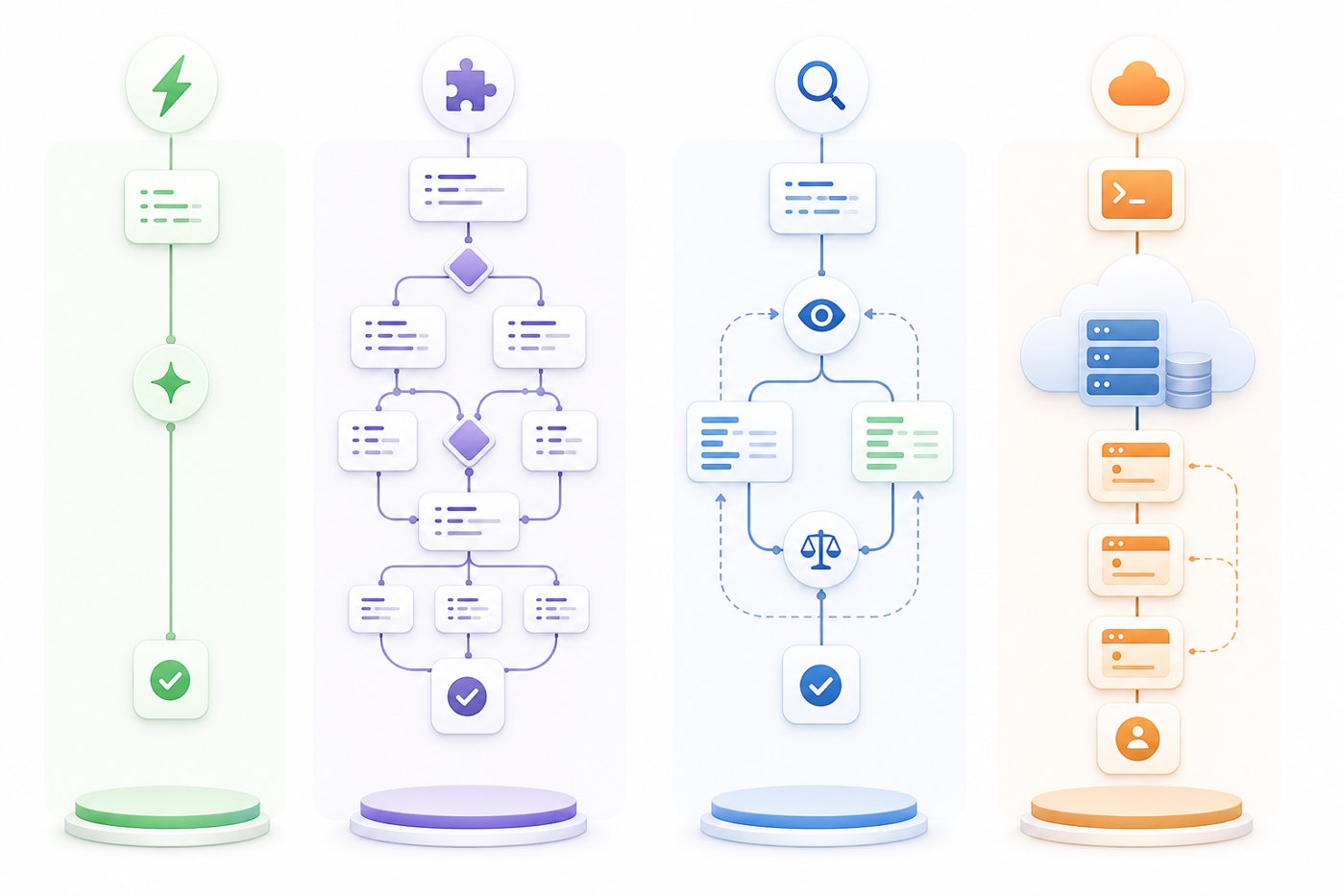
Teams should avoid turning AI Credits into a fear-based policy. If developers feel punished for using Copilot, they will either stop using helpful features or hide usage patterns. The better approach is to define what good usage looks like.
- Give examples of low-cost and high-value prompts.
- Define when frontier models are appropriate.
- Require plan-first workflows for broad agent tasks.
- Review usage by workflow, not just by person.
- Pair budget alerts with coaching, not blame.
- Blocking all advanced models without nuance.
- Measuring only total usage, not business value.
- Letting agents edit production-sensitive code without scope.
- Ignoring client updates that show accurate usage terms.
- Waiting for a surprise bill before teaching habits.
Admins should also make sure IDEs, extensions, and Copilot CLI versions are current. GitHub notes that older clients may display inaccurate model pricing, usage information, or billing terminology. That is not just a UI issue: if developers cannot see accurate usage signals, they cannot self-correct.
For adjacent Microsoft AI workflow coverage, see our guide to Copilot cowork skills and plugins. If your team is comparing Copilot with other agent stacks, the OpenAI AgentKit guide and Gemini API File Search guide offer useful context on broader AI engineering patterns.
Common mistakes that increase GitHub Copilot AI Credit usage
Mistake 1: using chat when autocomplete would do
If Copilot’s inline suggestions can complete a small edit, let them. Chat is better for reasoning, explanation, and larger changes. Moving every tiny completion into chat adds friction and may increase credit-sensitive interactions.
Mistake 2: asking for code before asking for a plan
When the task is complex, code-first prompting often creates rework. A plan-first prompt lets you catch wrong assumptions before Copilot spends more effort generating and revising code.
Mistake 3: treating all context as useful context
More files can improve answers when they are relevant. More files can also add noise, slow responses, and increase the work a model performs. Curate context like you would curate a pull request: include what matters, omit what distracts.
Mistake 4: ignoring monthly reset behavior and reporting windows
GitHub’s request documentation says unused premium requests do not roll over and reset monthly in the existing model. As usage-based billing arrives, your cost process should still be calendar-aware: review weekly, forecast monthly, and do not wait until the last day of the billing period to investigate anomalies.
Mistake 5: optimizing only for fewer prompts
The goal is not simply to send fewer prompts. The goal is to send better prompts that produce fewer retries. One excellent prompt with a clear task brief can be cheaper and faster than three ambiguous prompts, even if the excellent prompt is longer.
Copy-paste prompt patterns for lower-credit Copilot workflows
“I need to debug this failing test. Use only the error output and files below. First list the three most likely causes, then propose the smallest verification step for each. Do not write code yet.”
“Refactor only the parsing layer. Preserve public interfaces and test names. Return a file-by-file plan, risks, and estimated test updates. Wait for approval before editing.”
“Use concise reasoning. If the task appears to require broader architecture context, ask for the missing file names instead of guessing.”
These prompts work because they reduce ambiguity. They also make Copilot ask for missing context instead of hallucinating around it, which is good for both accuracy and cost control.
Sources and further reading
FAQ: reducing GitHub Copilot AI Credits
What is the fastest way to reduce GitHub Copilot AI Credits?
Use lighter included models for routine questions, batch related prompts, scope agent sessions before starting them, and monitor usage from GitHub billing or supported IDE surfaces. The biggest savings usually come from avoiding vague prompts that cause repeated follow-ups.
Do inline code completions consume AI Credits?
GitHub says code completions and next edit suggestions remain unlimited for paid plans as Copilot moves to usage-based billing. Credit-sensitive work is mainly chat, CLI prompts, agent sessions, Spark, Spaces, and third-party coding-agent interactions.
Should I stop using frontier models in Copilot?
No. Frontier models are useful for architecture, hard debugging, security-sensitive reasoning, and complex refactors. The practical habit is to reserve them for high-value tasks and use lighter models for routine explanation, boilerplate, and small edits.
How often should a team review Copilot usage?
Weekly during the first month of usage-based billing, then monthly once patterns are stable. Teams with many coding-agent sessions should review usage by feature and user more frequently so they can coach workflows before budgets surprise them.
Does a longer prompt always cost more?
Not always in the old premium-request model, but under usage-based billing the amount of work sent to and generated by the model matters more. Long context, large files, broad agent goals, and repeated retries can all increase credit consumption.
Can Copilot still be useful after premium allowance is used?
For paid plans, GitHub documentation says included models remain available after premium requests are exhausted, although rate limits and response times may vary. Always check current plan details because model availability can change.
What should admins do before June 1, 2026?
Download usage reports, use GitHub’s billing preview tool, update supported clients, set budget policies, teach model-selection rules, and define when coding agents are allowed to run autonomously.
Is this checklist a replacement for the AI Credits pricing guide?
No. This article is the tactical workflow companion. For the full billing explanation, plan impact, and terminology, read the main GitHub Copilot AI Credits pillar guide linked in the introduction and conclusion.
Post a Comment