
Is Google AI Edge Gallery Private? Offline Limits, Local Models, and Safe Setup
A practical privacy guide to Google AI Edge Gallery, offline use, local Gemma models, and safer on-device AI workflows. Learn what usually runs locally, what still needs network access, and how to handle private files safely when testing Gemma workflows on your Mac.
Google AI Edge Gallery Privacy: Quick Answer
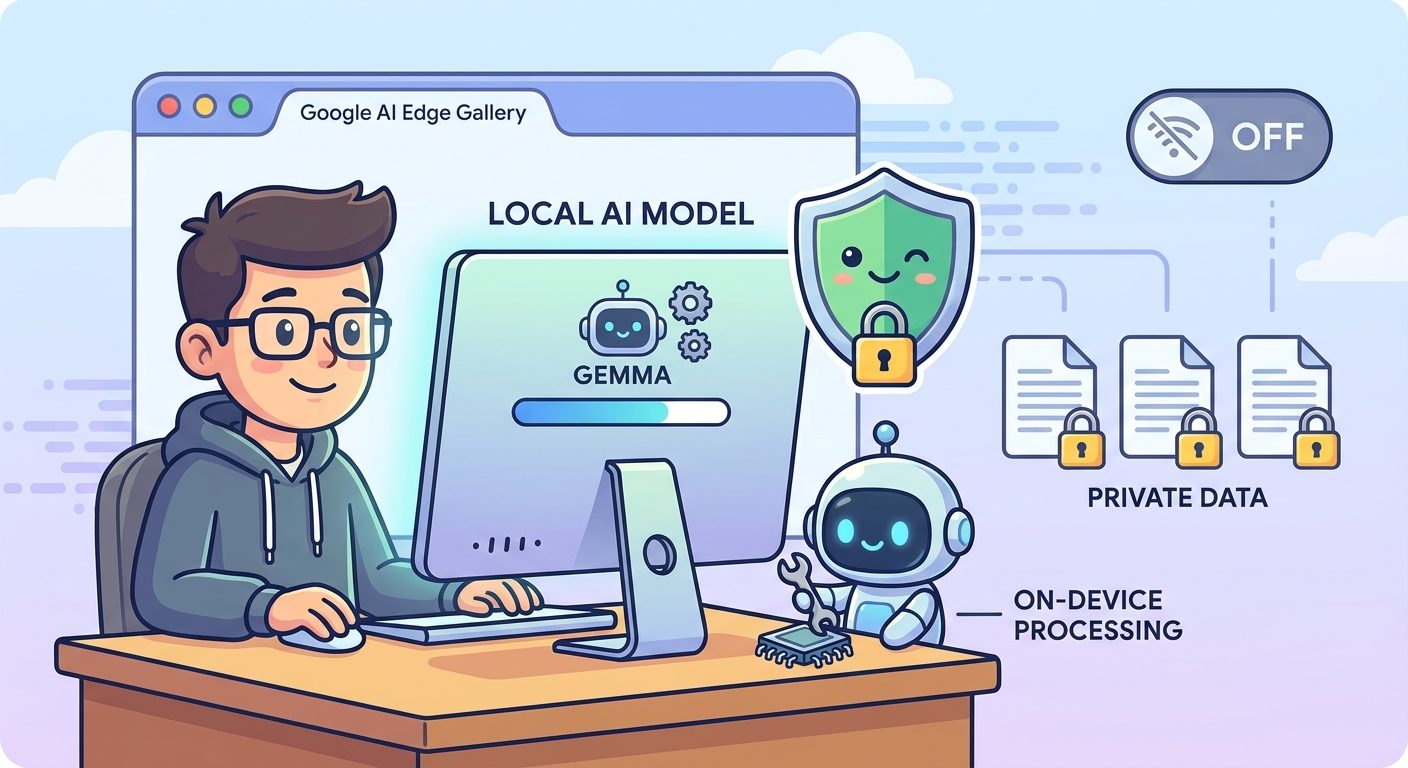
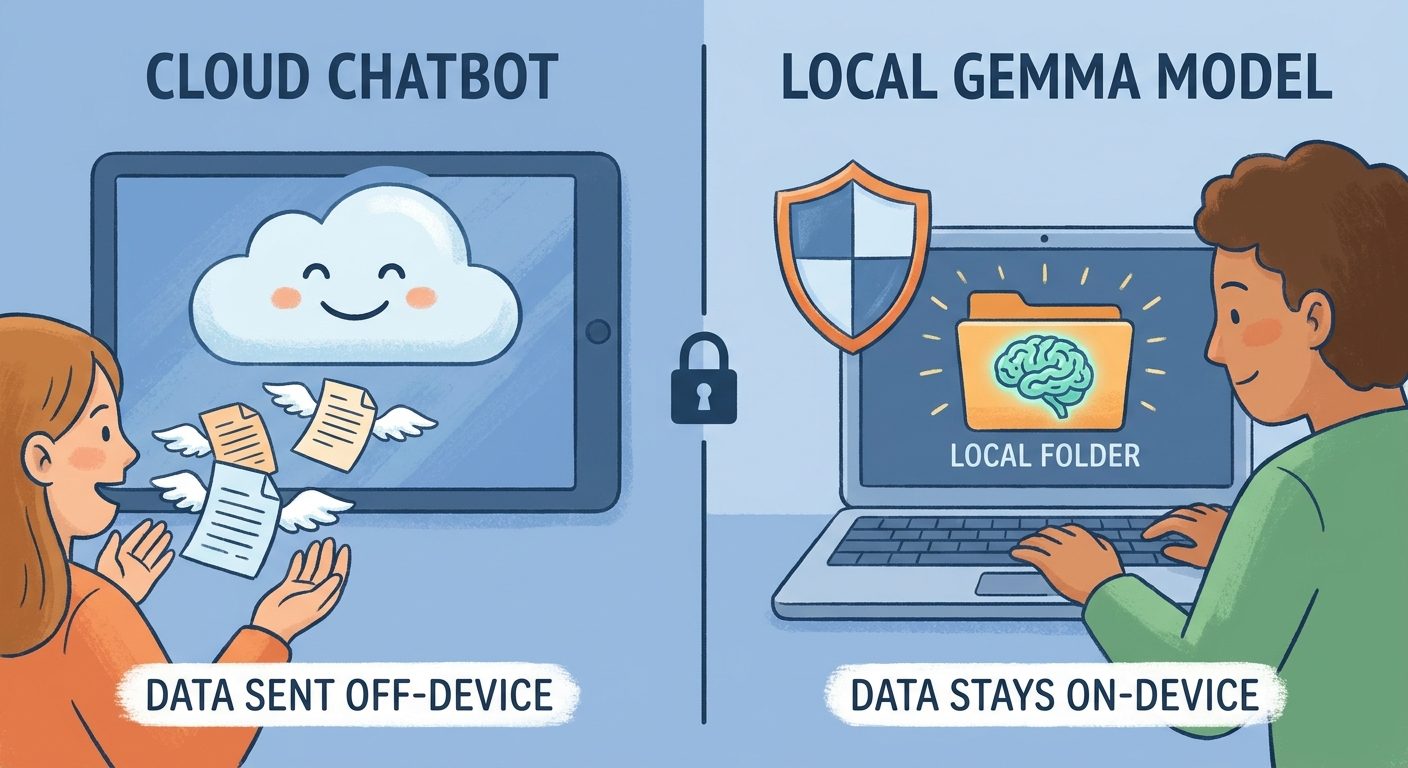
Google AI Edge Gallery can be more private than a cloud chatbot when the model is already downloaded and inference runs on your device. But privacy depends on the full workflow: model downloads, app permissions, network behavior, synced folders, prompt history, and how carefully you handle sensitive documents.
This cluster guide supports our broader pillar, Google AI Edge Gallery on Mac Explained, by focusing only on privacy, offline use, and safe setup decisions.
What Runs Locally vs What May Still Go Online
The core privacy advantage is local inference: after a compatible model is available on your Mac, prompts can be processed on-device instead of being sent to a hosted chatbot for every answer. That is the part users usually mean when they say “private local AI.”
Offline Limits to Test Before Trusting It
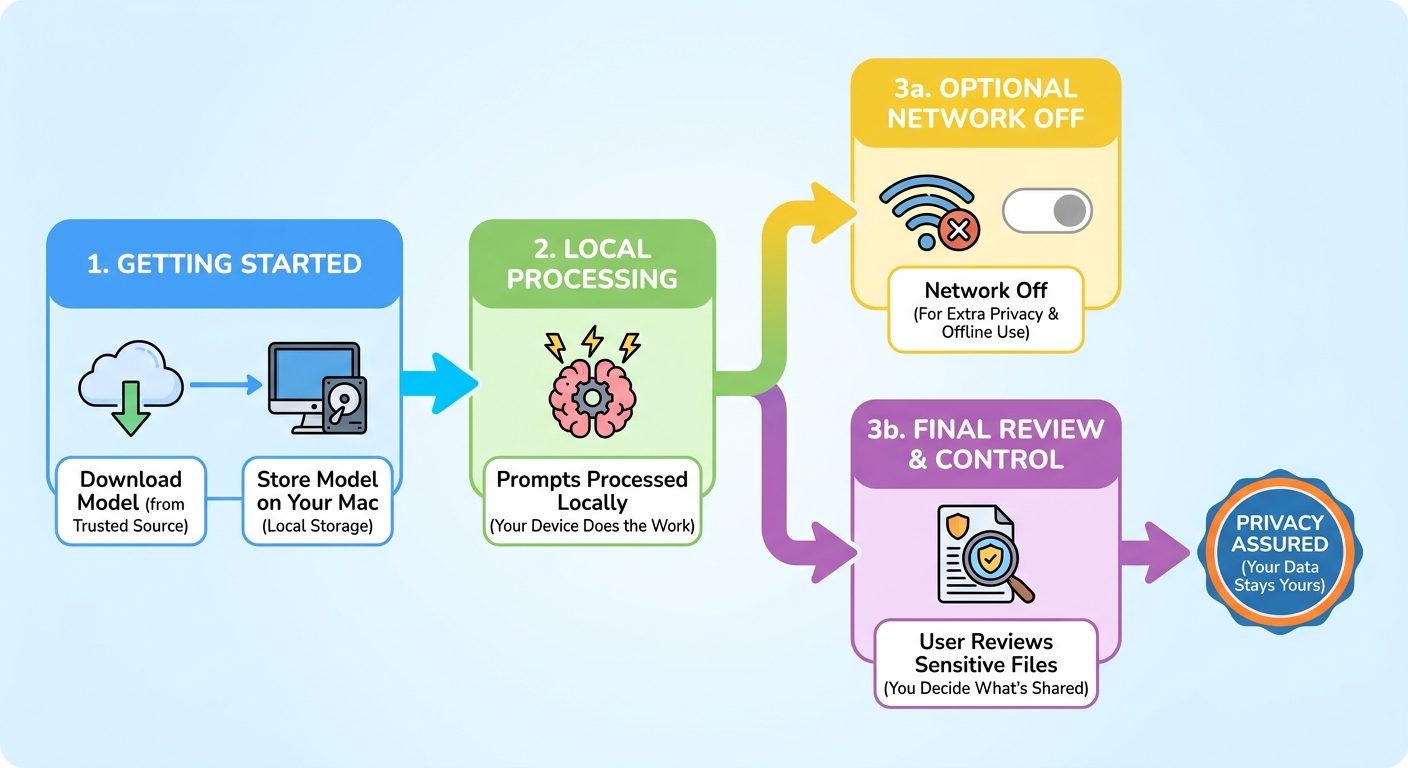
Offline use is not the same as permanent isolation. A practical expectation is: download and update while online, then test whether your chosen model and workflow continue to work after disconnecting from the network.
| Step | What to check | Why it matters |
|---|---|---|
| Download | Install the app and selected model while online. | The local workflow still needs trusted setup sources. |
| Disconnect | Turn off Wi‑Fi and restart the app if needed. | This confirms whether inference can run without a live connection. |
| Test harmless text | Use sample notes, not private documents. | You verify behavior before exposing sensitive material. |
| Review storage | Check where prompts, outputs, and files are saved. | Local processing is weaker if outputs land in synced or shared folders. |
Safe Setup Checklist for Private Local AI
Do this first
- Use public or synthetic test data before private files.
- Download models from trusted official sources.
- Review file, folder, microphone, screen recording, and network permissions.
- Disconnect from the network during sensitive test sessions.
Avoid this
- Do not paste secrets just because a model is local.
- Do not keep confidential files inside synced folders by default.
- Do not assume app updates, logs, or exports are automatically private.
- Do not treat local model output as verified truth.
Good Private Workflow Examples
Google AI Edge Gallery-style local workflows are strongest when the task is narrow and the data stays on the device. Good examples include summarizing your own notes, drafting an outline from a local text file, rewriting non-confidential internal documentation, brainstorming code comments, or testing a local assistant pattern before deciding whether it belongs in a production app.
Common Misconceptions About Local AI Privacy
Keep Learning on AI Feature Drop
Sources and References
- Google AI Edge Gallery GitHub repository
- Google AI Edge developer resources
- Google Gemma documentation
Project behavior and documentation can change. Always verify the current repository, app permissions, and your workplace data policy before using sensitive files.
FAQ: Google AI Edge Gallery Privacy
Can Google AI Edge Gallery work offline?
It may work offline for local inference after the app and model are already downloaded. Test your exact model and workflow with Wi‑Fi off before relying on it.
Does local AI mean my prompts never leave my Mac?
Local inference can keep prompt processing on-device, but you should still verify app behavior, permissions, updates, synced folders, and logs before using confidential material.
Is Gemma safe for private documents?
Gemma running locally can reduce cloud exposure, but safety depends on device security, file handling, policy requirements, and whether the app stores or syncs prompt or output data.
Who should use a local AI workflow?
It is useful for people who want faster experimentation, lower cloud exposure, offline-friendly drafting, or private note workflows, especially when tasks do not require the largest hosted models.
Post a Comment