
Google AI Edge Gallery on Mac Explained: Run Gemma 4 Locally for Private AI Workflows
Google AI Edge Gallery on Mac gives everyday users a practical way to run Gemma 4 locally for private chat, file analysis, lightweight coding, and on-device experiments. This guide explains what actually runs locally, what does not, where the limits are, and how to choose the right Google AI Edge tool for your workflow.

Google AI Edge Gallery on Mac: Quick Answer
Google AI Edge Gallery on Mac is Google’s local AI showcase app for running supported Gemma models on Apple silicon Macs. The recent Google AI Edge update connects it with Gemma 4 12B, a multimodal open model designed for on-device and edge workflows.
In simple terms, it lets you experiment with private local AI tasks without sending every prompt to a cloud chatbot. The important distinction is this: AI Edge Gallery runs Gemma models locally. It is not the same thing as running the full Gemini cloud app offline.
Why Google AI Edge Gallery Is Suddenly Worth Paying Attention To
Google’s developer update frames Gemma 4 12B as an on-device model for agentic, multimodal laptop workflows. The official examples focus on practical tasks: generating and executing Python scripts, creating charts from local files, building simple webpages, polishing text by voice, and serving a local endpoint for tools that expect an OpenAI-compatible API.
That makes the Mac version interesting for three groups:
AIFeatureDrop analytics show GoogleAI and practical workflow pages already earn visits, especially when they explain real setup choices instead of repeating launch language. That is the search gap this article targets.
What You Can Do With Gemma 4 Locally
Gemma 4 with the Google AI Edge stack is aimed at local, interactive work rather than heavyweight cloud automation. Good use cases include:
| Workflow | Good local use case | Watch out for |
|---|---|---|
| Local file reasoning | Summarize notes, inspect small datasets, compare documents, extract patterns. | Do not trust unsupported claims without checking the source file. |
| Python-assisted analysis | Draft a script that turns local data into a chart or table. | Review generated code before running it. |
| Private drafting | Rewrite sensitive text, brainstorm outlines, polish internal drafts. | Local output can still hallucinate or overstate facts. |
| Light coding experiments | Generate scripts, simple webpages, utilities, and proof-of-concept code. | Complex production work still needs tests and human review. |
| Offline demos | Show local AI behavior without a live cloud session. | Performance depends on device memory and model size. |
Do not treat it as a magic replacement for every Gemini cloud feature. Large-scale research, production agent orchestration, enterprise integrations, and very long context tasks may still belong in cloud tools.
Setup Checklist for Google AI Edge Gallery on Mac
- Check your Mac: prefer Apple silicon and a recent macOS version. Local multimodal models need memory headroom.
- Install from the official source: use Google’s AI Edge Gallery page rather than mirrors or repackaged downloads.
- Choose a supported Gemma model: start with the recommended model before jumping to the largest available option.
- Test with non-sensitive examples first: verify performance, file access, and output quality before using private work data.
- Use clear prompts: local models reward specific instructions, file names, output formats, and constraints.
- Save useful prompts: keep a small prompt library for charting, summarizing, rewriting, and code review.
Google AI Edge Gallery vs Eloquent vs LiteRT-LM
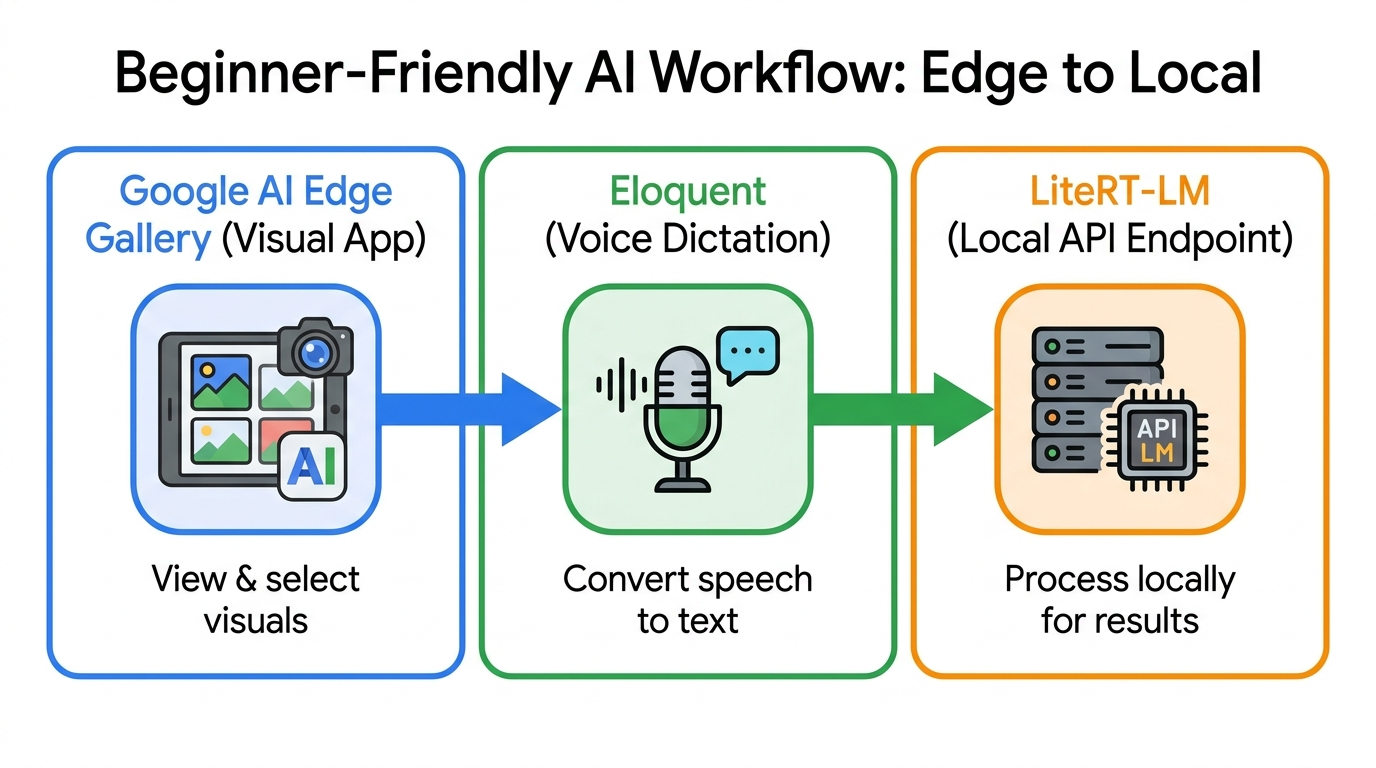
Google’s AI Edge update mentions three useful entry points. They solve different jobs:
| Tool | Best for | Use when |
|---|---|---|
| Google AI Edge Gallery | Visual local AI experiments | You want a friendly app for prompts, files, images, and small coding or data tasks. |
| Google AI Edge Eloquent | On-device dictation and rewriting | You want private voice-driven text editing instead of a general AI workbench. |
| LiteRT-LM serve | Developer workflows and local endpoints | You want tools, scripts, or agent harnesses to call a local model through an industry-compatible endpoint. |
If you are trying to make AI videos, this is a different lane from Google Flow and Veo 3 credits. AI Edge Gallery is about local model interaction; Flow and Veo are cloud video generation workflows.
Privacy Checklist for Local AI on Mac
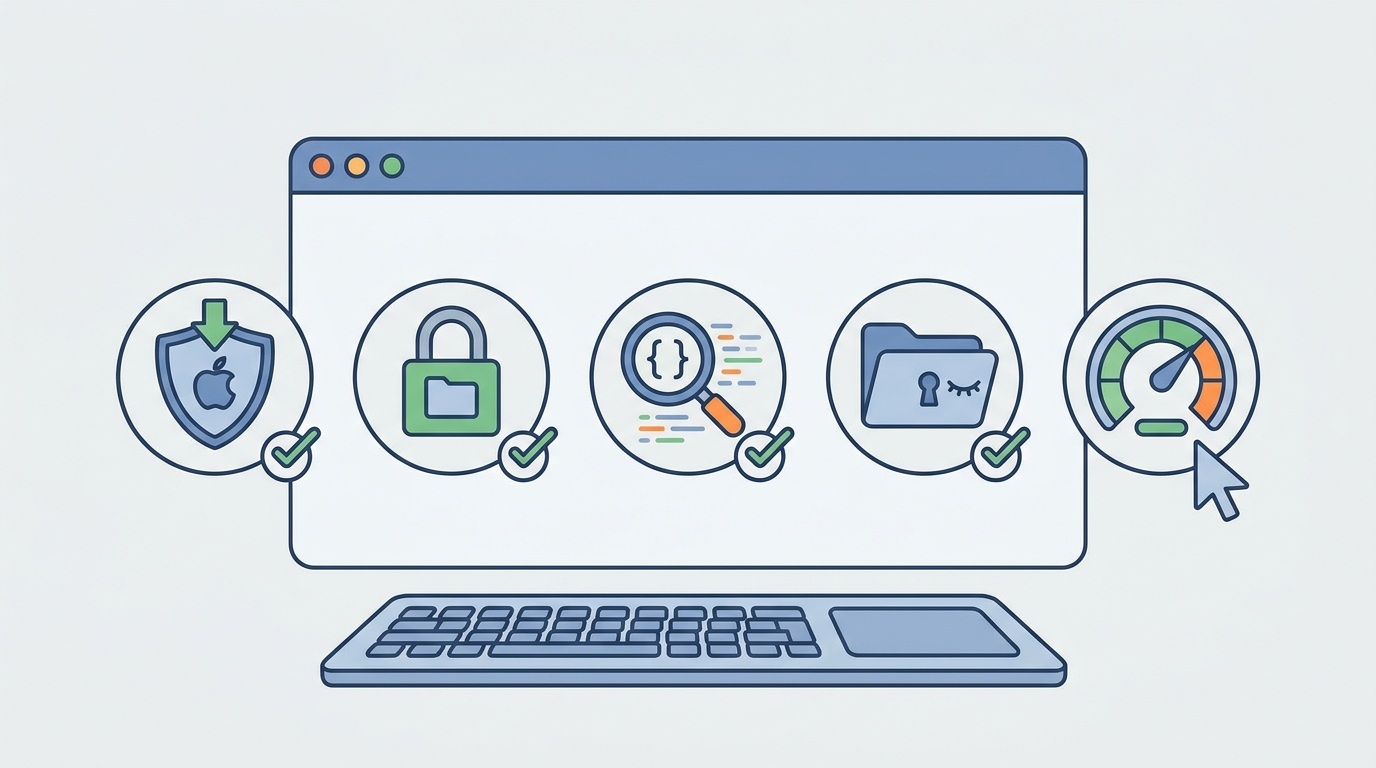
Running a model locally can reduce cloud exposure, but “local” does not automatically mean every part of your workflow is private. Use this checklist:
Safer local habits
- Download only from official Google sources.
- Use dummy files before private files.
- Grant the smallest useful folder permission.
- Review generated scripts before execution.
- Keep sensitive prompts out of shared logs and screenshots.
Risky assumptions
- Assuming Gemma local equals Gemini cloud.
- Running code without reading it first.
- Giving broad file access for convenience.
- Trusting every summary without source checks.
- Using local AI for production decisions too early.
For another Google comparison angle, see our breakdown of NotebookLM Video Overviews vs Google Vids.
Practical Prompt Examples
1. Turn a local CSV into an insight summary
I uploaded a CSV of support tickets. Identify the top 5 recurring issues, group similar complaints, and suggest one product fix for each group. Do not invent numbers not present in the file.2. Generate a chart script safely
Write a Python script that reads sales.csv and creates a bar chart of monthly revenue. Explain every dependency first. Do not delete, move, or overwrite input files.3. Rewrite sensitive text locally
Rewrite this internal memo in a calmer executive tone. Preserve all factual claims and flag any sentence that sounds uncertain.Limitations and Common Mistakes
- Confusing Gemma with Gemini: Gemma local models are not the same as the full Gemini cloud app.
- Expecting cloud-level speed on every Mac: performance depends on memory, chip, model size, and workload.
- Skipping output review: local code and summaries still need human verification.
- Using it for production decisions too early: start with reversible analysis, drafts, and prototypes.
- Ignoring workflow fit: for Workspace automation, use Workspace Studio; for AI video, use Flow/Veo; for local privacy, use AI Edge.
Keep Learning on AI Feature Drop
- Google Workspace Studio Loops Explained — a better fit for Google app automation workflows.
- Google Flow and Veo 3 Credits Explained — compare local AI with cloud video generation workflows.
- NotebookLM Video Overviews vs Google Vids — understand Google’s AI video tool split.
- Gemini API File Search and Multimodal RAG — related context and retrieval considerations for AI workflows.
- ChatGPT for Excel and Google Sheets — practical spreadsheet automation tradeoffs.
Sources and References
- Google Developers Blog: Gemma 4 12B and Google AI Edge
- Google AI Edge Gallery
- Google AI Edge Eloquent
- LiteRT-LM serve documentation
Feature availability, model support, and device requirements can change. Always verify the latest Google AI Edge documentation before installing or building a workflow.
FAQ: Google AI Edge Gallery on Mac
Does Google AI Edge Gallery run Gemini offline?
No. The practical distinction is that AI Edge Gallery runs supported Gemma models locally. Gemini cloud apps and APIs are separate products with different capabilities and connectivity assumptions.
Is Gemma 4 good enough for coding?
It can be useful for scripts, prototypes, charts, and review tasks, especially when privacy matters. For complex production work, verify everything and consider cloud coding agents when you need stronger reasoning, integrations, or scale.
What Mac do I need for Google AI Edge Gallery?
Use an Apple silicon Mac with enough free memory for local model inference. Larger local models need more memory and may run slowly if your machine is already under load.
Is local AI automatically private?
Local inference can reduce cloud exposure, but you should still use official downloads, review network-dependent features, limit file permissions, and avoid putting secrets into generated scripts or unverified workflows.
When should I use LiteRT-LM instead of AI Edge Gallery?
Use Gallery when you want a friendly app. Use LiteRT-LM when you are a developer and want a local endpoint that other tools, scripts, or agent harnesses can call.
Post a Comment