
Codex Goal Mode Prompt Template: Write Safer Long-Running AI Coding Goals
Use this copy-paste framework to turn vague Codex requests into verifiable /goal workflows with success checks, stop conditions, Appshots boundaries, and human review built in.
Quick answer: what should a Codex Goal Mode prompt include?
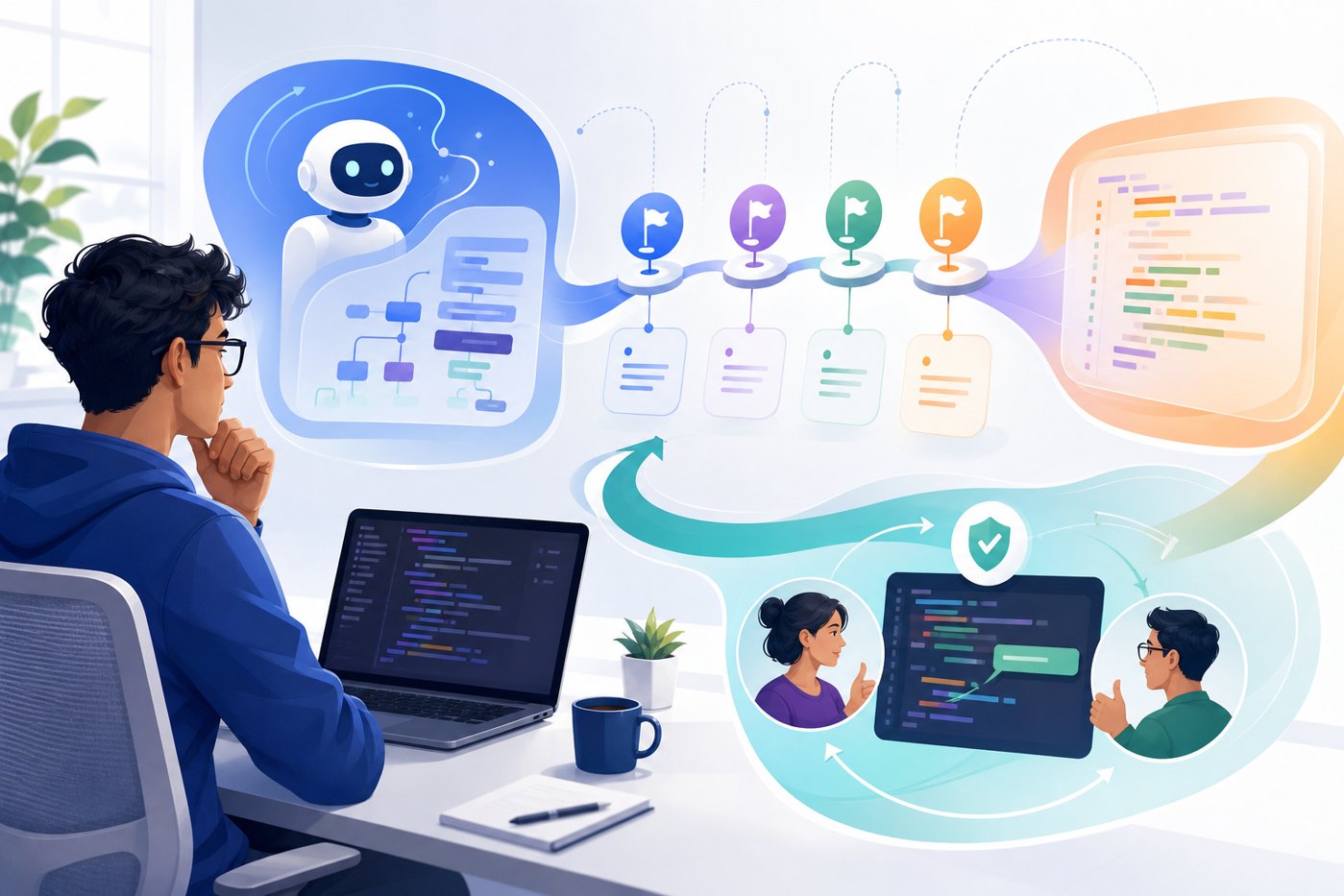
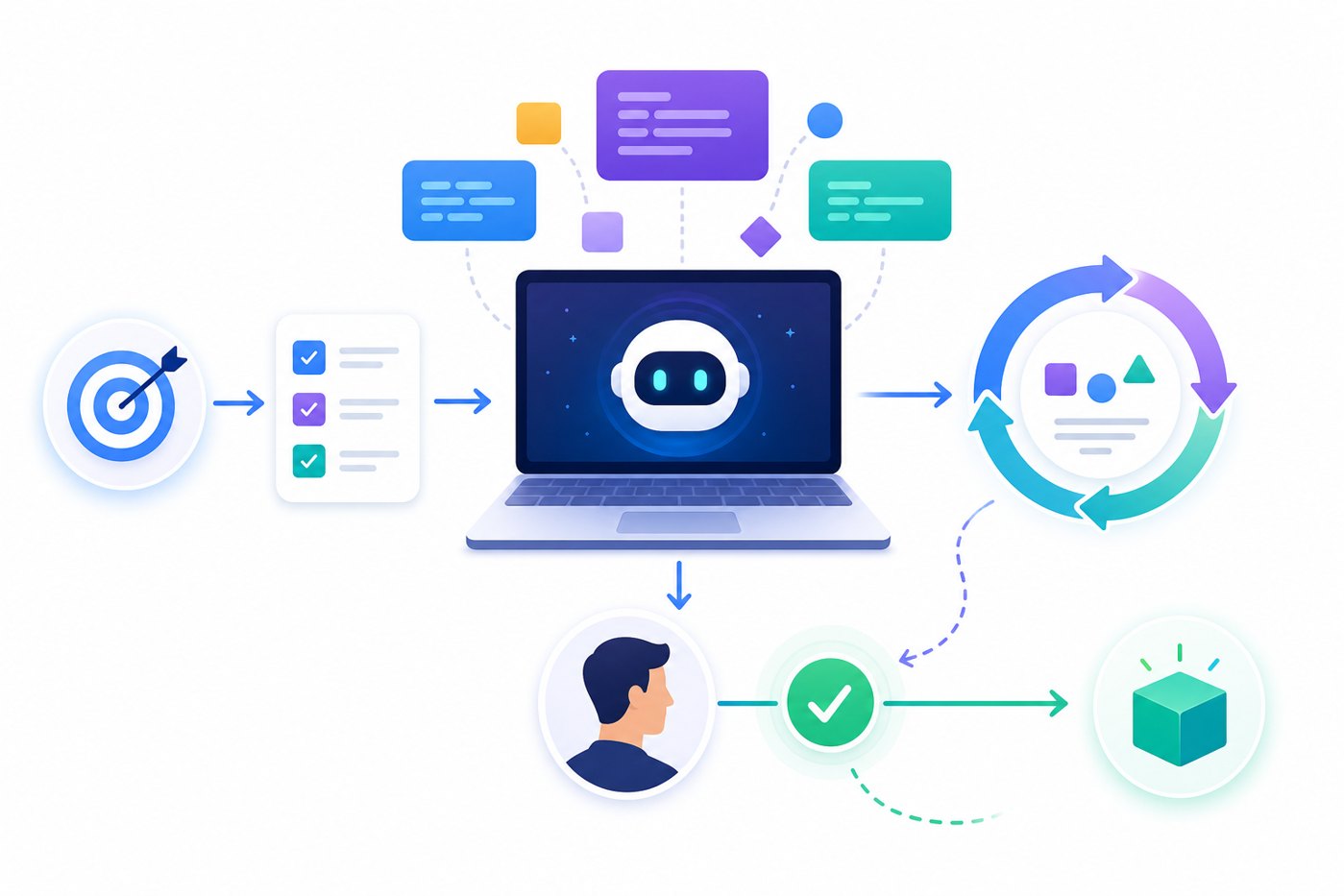
A strong Codex Goal Mode prompt template includes six parts: the outcome, the context, the evidence that proves success, the constraints Codex must preserve, the actions Codex may take, and the stop conditions that force it to pause instead of guessing. If you include those pieces, /goal becomes a practical engineering workflow instead of a long, hopeful prompt.
The most useful mental model is simple: a normal prompt says “do this next thing.” A goal says “keep working until this outcome is true, and prove it without crossing these boundaries.” That is why Goal Mode is especially useful for bug reproduction, flaky tests, performance tuning, UI regressions, dependency migrations, code audits, and documentation updates where the next step depends on what Codex learns while working.
This article supports the broader pillar guide, OpenAI Codex Goal Mode Explained, by going deeper on templates and examples. If you need the feature overview, Appshots context, and remote locked-use explanation, start with the pillar. If you already understand the feature and want better prompts, use the examples below.
Why a Codex /goal template matters more than a longer prompt
Long-running AI coding agents fail in predictable ways. They chase vague instructions, widen scope, over-edit unrelated files, skip verification, or stop with a confident summary that does not match the code. Goal Mode helps because it keeps a persistent objective attached to the thread, but persistence alone does not make the objective safe. The user still has to define the finish line.
OpenAI’s developer materials describe goals as persistent objectives with completion conditions. The best goals say what should be true, how success should be checked, and what constraints must remain intact. That wording is important. A goal is not just an instruction; it is a contract. The clearer the contract, the easier it is for Codex to decide whether to continue, test, pause, or report a blocker.
The risk grows when you combine Goal Mode with richer context features like Appshots or mobile supervision. Appshots can show Codex a browser state or GUI bug that would take paragraphs to describe. Mobile supervision can let you steer work when you are away from the desk. Remote locked computer use can keep eligible Mac workflows moving while the screen is locked. Those features are powerful, but they should increase your need for guardrails, not reduce it.
The copy-paste Codex Goal Mode prompt template
Use this template when you want Codex to work for more than one small turn. It is intentionally specific. Delete sections only when they genuinely do not apply.
/goal
Outcome: [State the exact result that should be true when the task is complete.]

Context: [Repository, app area, issue link, relevant files, environment, screenshots, logs, or Appshots context.]

Success checks: [Commands, tests, browser steps, screenshots, benchmark targets, or manual acceptance criteria that prove the outcome.]

Constraints: [Files not to touch, APIs not to change, data not to access, style rules, performance limits, backwards compatibility requirements.]

Allowed actions: [Read files, edit files, run tests, inspect browser, use Appshots, create branch, ask before package installs, ask before external writes.]

Stop conditions: [Pause if credentials are needed, destructive commands are required, production data appears, tests cannot run, uncertainty is high, or budget/time limit is reached.]

Iteration notes: [After each meaningful attempt, record what changed, what evidence was collected, what failed, and what the next best step is.]

Final report: [Root cause, files changed, commands run, pass/fail evidence, remaining risks, and suggested next steps.]
Notice that the template separates success checks from constraints. Many poor Codex prompts mix the two together or omit one entirely. Success checks tell Codex how to prove completion. Constraints tell Codex what must not be broken while proving completion. You need both. A task can pass one test while breaking an API. A patch can satisfy a screenshot while introducing a security regression. A goal should make those tradeoffs visible before the work begins.
Seven Codex /goal examples you can adapt
The examples below are deliberately concrete. Replace the file names, commands, and acceptance criteria with your actual project details. The goal is not to copy the words perfectly; it is to copy the structure.
1. Reproduce and fix a bug
/goal Reproduce issue #184 where the settings form fails to save notification preferences, identify the smallest safe fix, add or update a regression test, and verify the focused test passes. Do not change billing, auth, or database migrations. Pause if credentials or production data are required. Report root cause, files changed, and commands run.2. Investigate a flaky test
/goal Stabilize the flaky checkout confirmation test by reproducing the failure, identifying the timing or state assumption, and applying the smallest fix that preserves test intent. Run the focused test repeatedly and then the affected suite. Do not delete assertions to make the test pass. Stop if the failure cannot be reproduced after documented attempts.3. Improve a slow route
/goal Reduce the product search route latency by finding the top bottleneck and applying one safe optimization. Verify with the existing benchmark or profiling script and keep API behavior unchanged. Record before-and-after evidence. Do not introduce new dependencies without approval. Stop if benchmark tooling is missing or results are inconclusive.4. Patch a UI regression with Appshots
/goal Use the attached Appshot only as visual context for the dashboard card overflow bug. Find the responsible component or CSS, patch the layout, and verify with the local browser or screenshot. Do not use real customer data or modify unrelated dashboard widgets. Pause if the Appshot includes private information or the reproduction path is unclear.5. Audit a dependency migration
/goal Audit the proposed upgrade from [old package] to [new version] and produce an evidence-backed migration plan. Inspect affected imports, breaking changes, tests, and build configuration. Do not edit files yet. The final artifact should list risks, required code changes, commands to verify, and a recommended rollout order.6. Write tests before implementation
/goal Add failing tests for the coupon stacking rules described in issue #211, then implement the smallest code change that makes those tests pass. Preserve existing discount behavior and do not alter pricing APIs. Run the focused tests and summarize any edge cases not covered.7. Documentation cleanup with evidence
/goal Update the setup documentation so a new developer can run the app locally from a clean clone. Verify commands in a fresh environment where practical. Do not invent environment variables. If a step depends on private credentials, document the placeholder and stop with the missing input needed.These examples all share a pattern: Codex receives a measurable outcome and a boundary. That boundary is what prevents an agent from interpreting “fix it” as permission to rewrite a module, remove an assertion, or install an unnecessary package. The more sensitive the work, the more explicit the boundary should be.
How to combine Appshots with Goal Mode without oversharing
Appshots are useful when the important context is visual: a broken layout, a local app state, a browser error, a design mismatch, or an interaction that is hard to describe. Recent Codex coverage notes that Appshots can attach a screenshot and available text from the active Mac window, sometimes including text beyond what is visible onscreen. That is convenient, but it also means you should treat every Appshot as a deliberate disclosure.
Before you attach an Appshot to a Goal Mode thread, scan the window for secrets, private messages, customer information, unreleased strategy, API keys, internal URLs, credentials, calendar data, and financial or health information. If any of those appear, create a safer reproduction. Use fake data, a local fixture, a redacted screenshot, or a narrower window. The fastest way to give Codex context is not always the safest way.
| Appshot situation | Good Goal Mode instruction | Why it works |
|---|---|---|
| Button alignment bug | “Use the Appshot as visual reference only; identify the component and verify with local CSS changes.” | It limits Codex to the visible UI issue. |
| Error modal in a dev app | “Extract the error message, trace the likely source, and confirm with logs or tests.” | It turns visual context into reproducible evidence. |
| Customer dashboard | “Do not use this screen if customer data is visible; ask for a redacted reproduction.” | It prevents accidental sensitive-data sharing. |
| Design comparison | “Match spacing and hierarchy shown in the Appshot without changing copy or analytics.” | It preserves non-visual constraints. |
Mobile supervision and locked-use checklist for long-running goals
Goal Mode becomes more interesting when Codex can keep working while you step away, check in from a phone, or approve a safe next step remotely. The related pillar explains the broader feature set around Codex mobile preview and eligible Mac locked-use workflows. This cluster article focuses on the prompt layer: tell Codex exactly when to continue and exactly when to stop.

- Use a branch. Long-running Codex work should start away from the main branch unless the task is read-only.
- Use safe data. Prefer local fixtures, demo accounts, and read-only credentials. Avoid production dashboards and customer records.
- Require approvals. Pause before package installs, destructive commands, external writes, credential use, schema changes, or production access.
- Set a review checkpoint. Ask Codex to stop after the first passing focused test or after a defined time/budget limit.
- Ask for evidence. Require command output summaries, screenshots for UI tasks, and a list of failed attempts.
- Keep mobile steering narrow. Approve specific next steps rather than broad permission to continue indefinitely.
The post-Codex review checklist
The final report is not the end of the workflow. It is the beginning of human review. Treat Codex output like work from a fast teammate who may have missed business context. The agent can run commands and explain its reasoning, but you still own the merge decision.
| Review area | Questions to ask | Pass signal |
|---|---|---|
| Scope | Did Codex modify only files related to the goal? | The diff is narrow and explainable. |
| Evidence | Were success checks actually run? | Commands, outputs, or screenshots are reported. |
| Tests | Were tests added or updated for changed behavior? | A failing-before, passing-after path is plausible. |
| Security | Did the work touch secrets, auth, permissions, or user data? | Risky areas are avoided or explicitly reviewed. |
| Dependencies | Were new packages introduced? | No surprise dependencies, or clear justification and approval. |
| Maintainability | Is the solution simple enough for the team to support? | Minimal cleverness, clear naming, documented edge cases. |
If Codex cannot provide evidence, do not merge. If the evidence is incomplete, ask for a follow-up goal with a smaller verification target. For example: “Verify only the checkout reducer behavior with focused unit tests and do not edit source files unless a test exposes a clear failure.” Smaller goals are easier to review than sprawling autonomous sessions.
Common mistakes that make Codex Goal Mode less reliable
1. Asking for improvement without a definition of done
“Improve onboarding” is a wish, not a goal. “Reduce the onboarding form validation bug count by reproducing the three known issues and adding regression tests” is a goal. The phrase “complete when” should appear somewhere in your thinking even if it does not appear literally in the prompt.
2. Letting Codex choose the risk level
Codex can choose useful next actions, but you should define the risk envelope. Tell it whether installs are allowed, whether network calls are allowed, whether browser actions are read-only, and when to pause for approval.
3. Treating Appshots as harmless context
Appshots are screenshots plus context. They are helpful, but they can expose information. Use them intentionally and prefer redacted reproductions for sensitive workflows.
4. Accepting “done” without artifacts
A strong final report should include files changed, commands run, pass/fail evidence, remaining risks, and what Codex deliberately did not do. If the report only says the task is complete, ask for evidence before review.
5. Starting too broad
Long-running does not mean unlimited. The best goals are often narrow: one bug, one benchmark, one migration audit, one UI regression, or one documentation path. Chain goals when needed rather than making one giant goal.
Where this fits in your AI coding-agent workflow
This template guide is a tactical companion to the broader OpenAI Codex Goal Mode pillar article. Read the pillar first if you need the feature-level explanation of Goal Mode, Appshots, and remote locked computer use. Use this page when you are ready to write safer prompts and operating rules.
For cost and capacity planning, pair this workflow with AI Feature Drop’s OpenAI Codex pricing and usage limits guide. Longer goals can be more valuable than short prompts, but they also demand more careful budget and review discipline. If your team also uses Anthropic tools, compare the approach with the Claude Code usage limits guide so you can standardize review habits across agents.
Authoritative references
FAQ: Codex Goal Mode prompt templates
What is a Codex Goal Mode prompt template?
A Codex Goal Mode prompt template is a structured /goal instruction that defines the desired outcome, context, success checks, constraints, allowed actions, stop conditions, iteration notes, and final report format. It helps Codex keep working toward a verifiable outcome without drifting into unrelated changes.
When should I use /goal instead of a normal prompt?
Use /goal when the task has a clear finish line but may require investigation, edits, tests, retries, and evidence gathering. Use a normal prompt for quick explanations, single edits, or tasks that should stop after one response.
What should every Codex goal include?
Every strong goal should include a specific outcome, the context Codex needs, verification commands or acceptance criteria, constraints, stop conditions, and the evidence you want in the final report. The more sensitive the task, the more explicit the stop conditions should be.
Are Appshots safe to use with Goal Mode?
Appshots can be safe when they contain non-sensitive visual context, but they should be treated like screenshots sent to a colleague. Avoid sharing secrets, customer data, internal dashboards, private messages, and unreleased information. Use redacted reproductions when possible.
Can Codex Goal Mode run while I am away?
Codex can continue longer workflows and may be supervised from mobile in supported setups, but you should not grant unlimited authority. Use branches, safe data, approvals, time or budget limits, and human review before merging.
What is the best beginner goal to try?
Start with a low-risk documentation update, a focused failing test, or a small UI bug in a local environment. Avoid production data, billing, authentication, and destructive commands until your review workflow is mature.
Bottom line: turn wishes into verifiable goals
Codex Goal Mode is powerful because it lets an AI coding agent keep a durable objective in view. But the safest results come from disciplined prompts: define the outcome, specify the evidence, preserve constraints, and make Codex pause when the work becomes risky. That is the difference between “try to fix this” and a reviewable engineering workflow.
Use the template above as your default starting point. Shorten it for low-risk work. Expand it for sensitive work. Pair it with Appshots only when visual context is genuinely useful. Review every final diff like a human teammate produced it. If you follow those habits, Goal Mode becomes less of a novelty and more of a practical way to move real software work forward without losing control.
Post a Comment